User Guide for Tsinghua WPS Customized Cloud Service
(September 2020)
This document is a brief description of how to use Tsinghua WPS Customized Cloud Service. For detailed instructions, please refer to the help on the official website of WPS.
I. Introduction of Tsinghua WPS Customized Cloud Service
In order to meet the needs of Tsinghua faculty members and students in editing, processing, and demonstrating words and forms in their work and study, Tsinghua University cooperates with Kingsoft to provide Tsinghua WPS customized cloud service. The system has the functions of online editing and storage of text, table, presentation, etc., and can realize the functions of online writing and team management.
II. Process
1. Activate the service
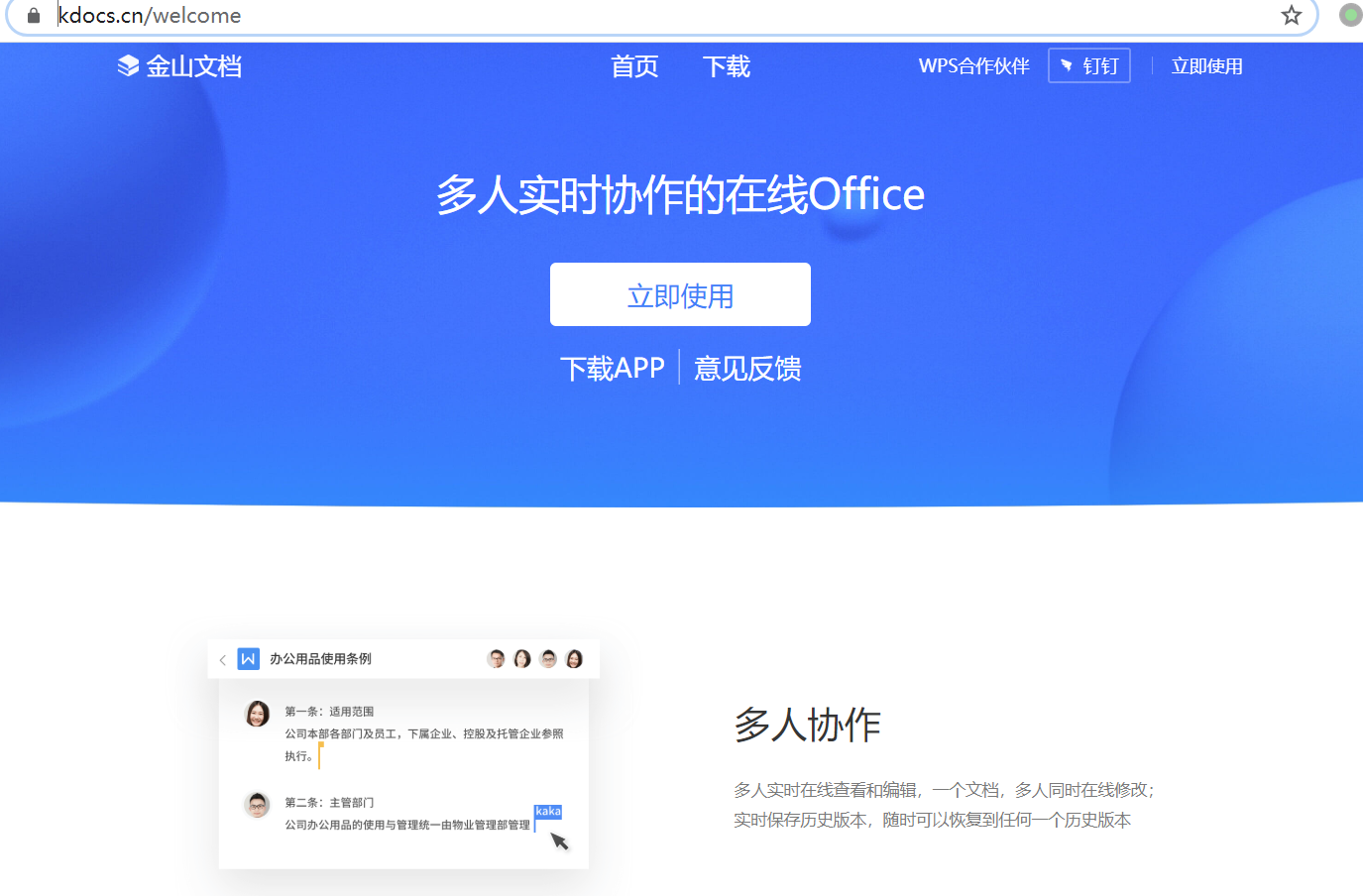
Visit https://www.kdocs.cn and click "立即使用 (use now)"
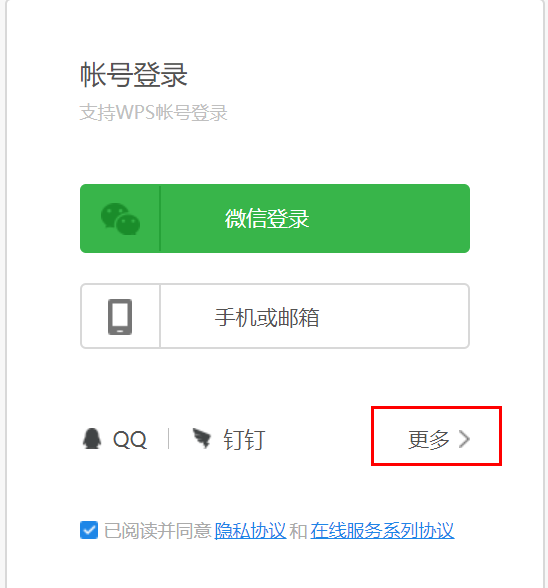
Click "more"
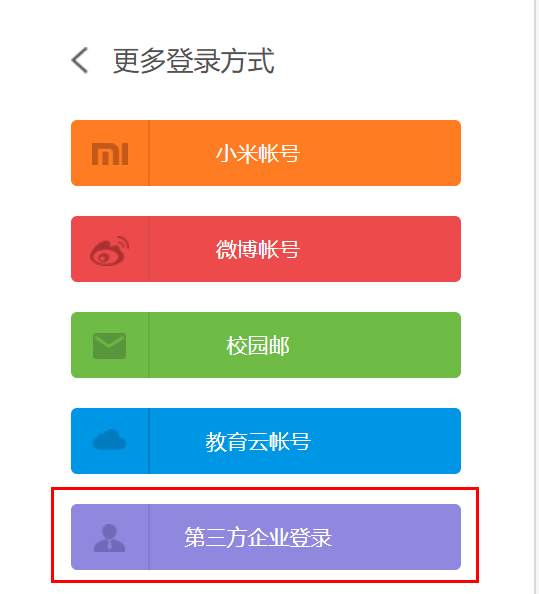
Select “第三方企业登录(third Party Enterprise Login)”
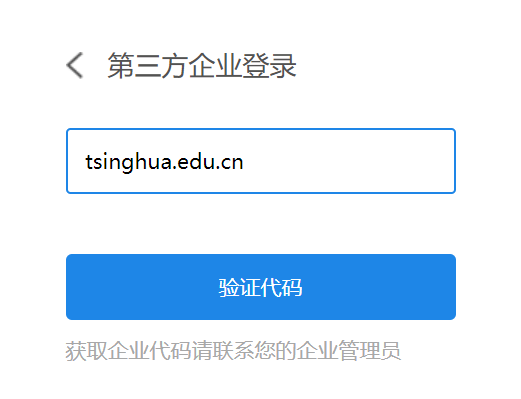
Enter the enterprise code "tsinghua.edu.cn" and click the "验证代码(verify code)" button
Enter the info username and password in the authentication interface
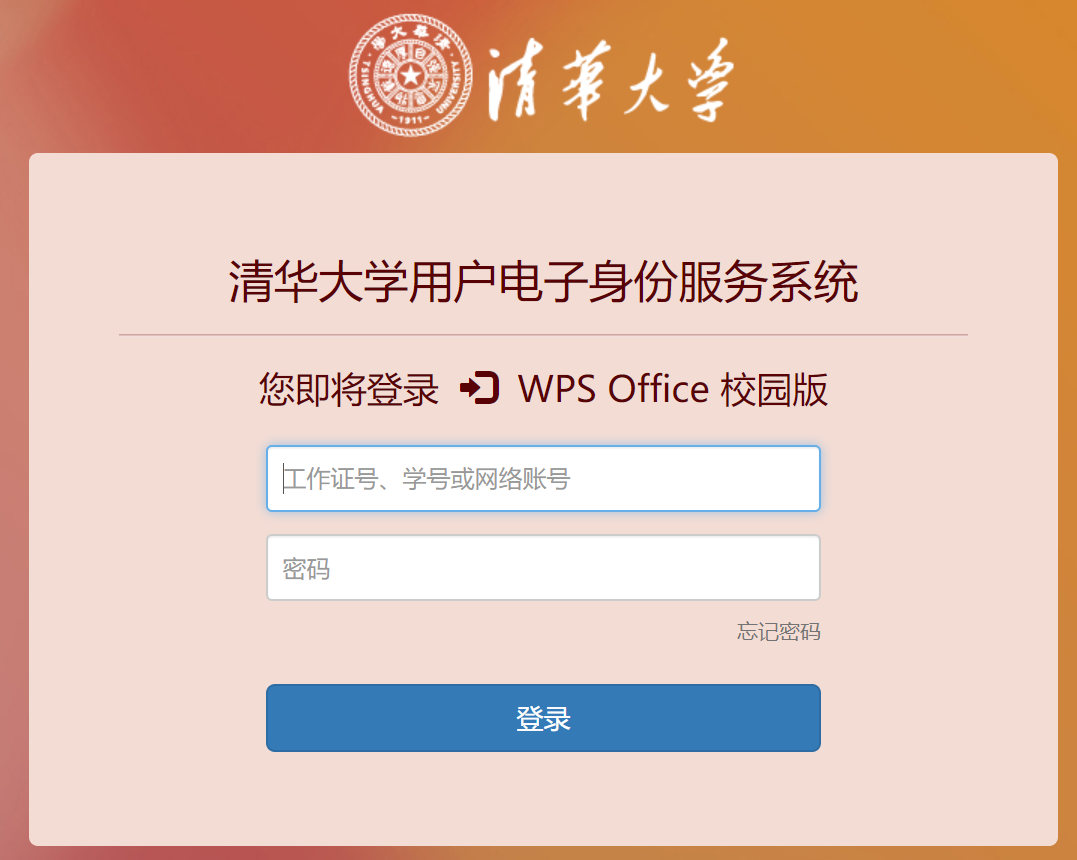
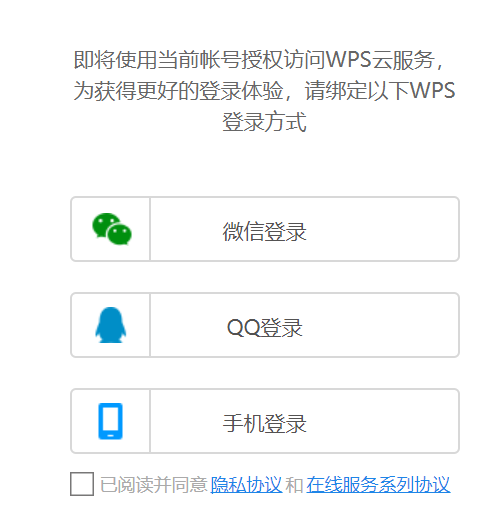
Follow the prompts to bind any login method. It is recommended to bind WeChat or mobile phones.
2. Daily use
In daily use, users can visit https://kdocs.cn, click "立即使用 (use now)", in the pop-up account login page, select the login method bound to activate the service to log in.
For specific instructions, please refer to the documentation on the website. Users can also visit https://www.wps.cn/learning/course/detail/id/932.html for videos on how to use the WPS campus cloud service.
3. Technical support
Kingsoft operates and maintains the Tsinghua WPS Customized Cloud Service, and is responsible for technical support and services.
Service hotline: 400677-5005
Service email: wps@wps.cn
Users can also contact us