1.Register a Wolfram Account
1.1Register for an Account
Go to the account registration page: https://account.wolfram.com/login/create
(We recommend using Chrome or Firefox.)
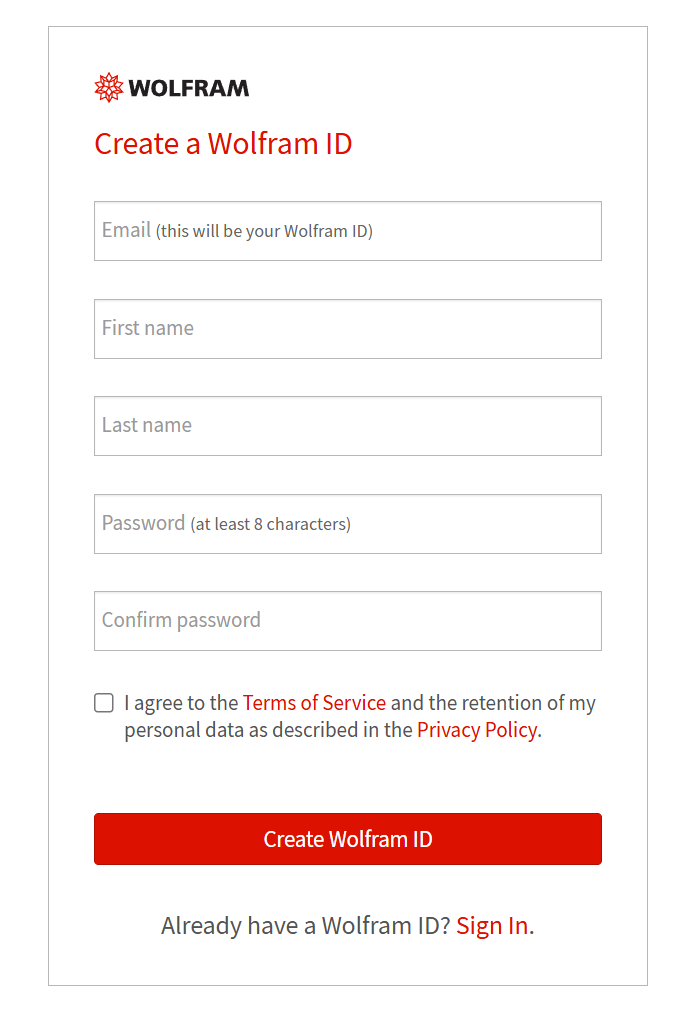
Important: Please use your university email address (ending in @tsinghua.edu.cn or @mails.tsinghua.edu.cn) to create your account. A verification email will be sent automatically to the address you provide. Please check your inbox and follow the instructions in the email to verify your address and complete registration.
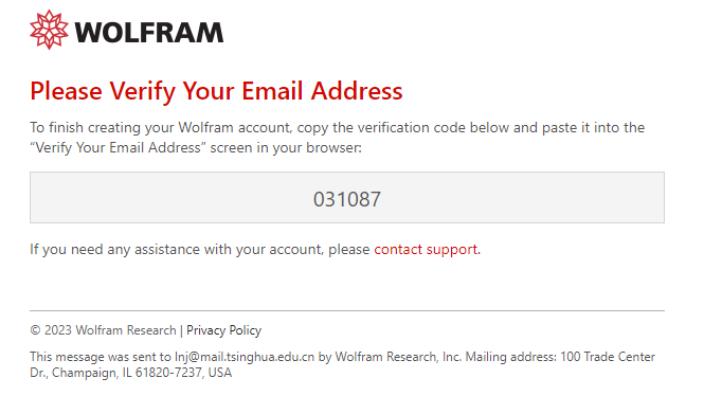
Note:If you cannot find the verification email in your inbox, log in to the web version of your email, go to "Recent activity" > "Received records" to check if it was intercepted.
1.2Get Access
a.Visit https://www.wolfram.com/siteinfo/index.php.en?source=footer, enter the university email address you just registered with, check the box, and click "Continue."
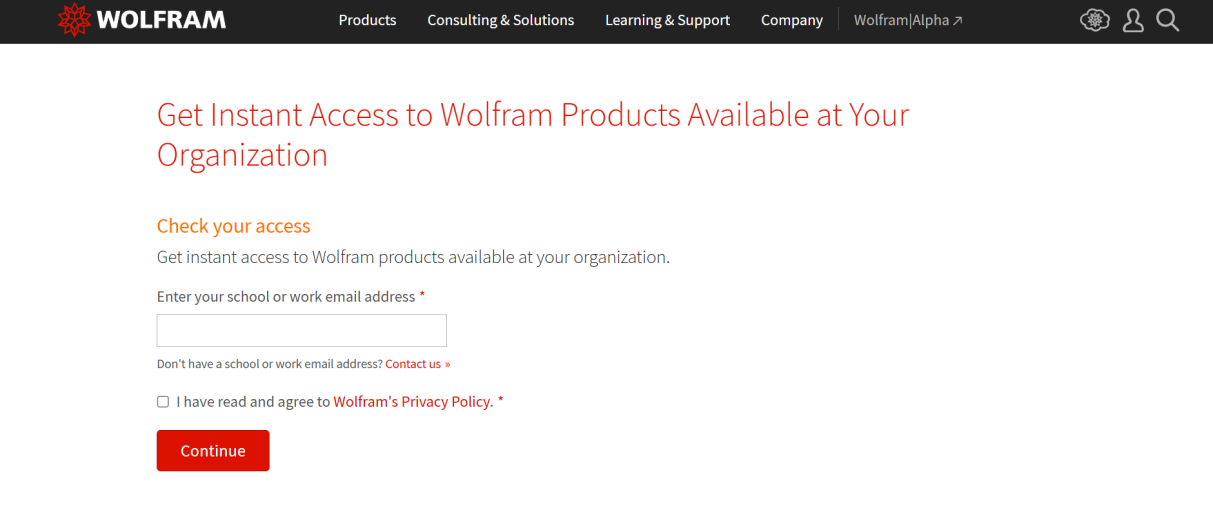
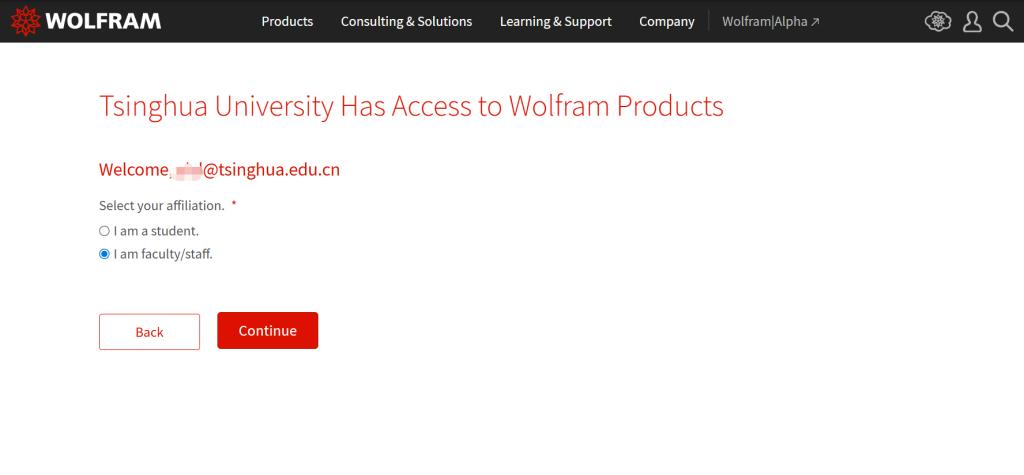
b.Select your affiliation and click "Continue."
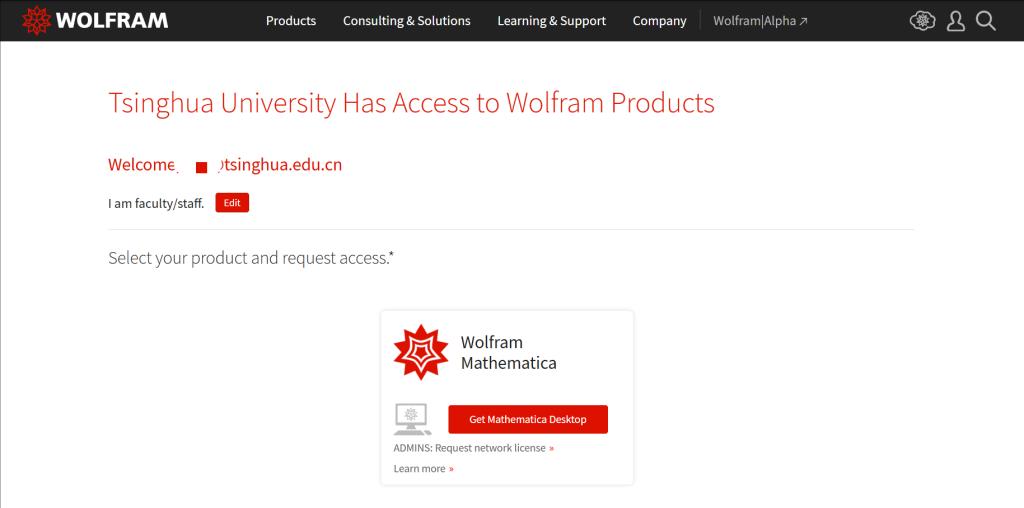
c.Click "Get Mathematica Desktop."
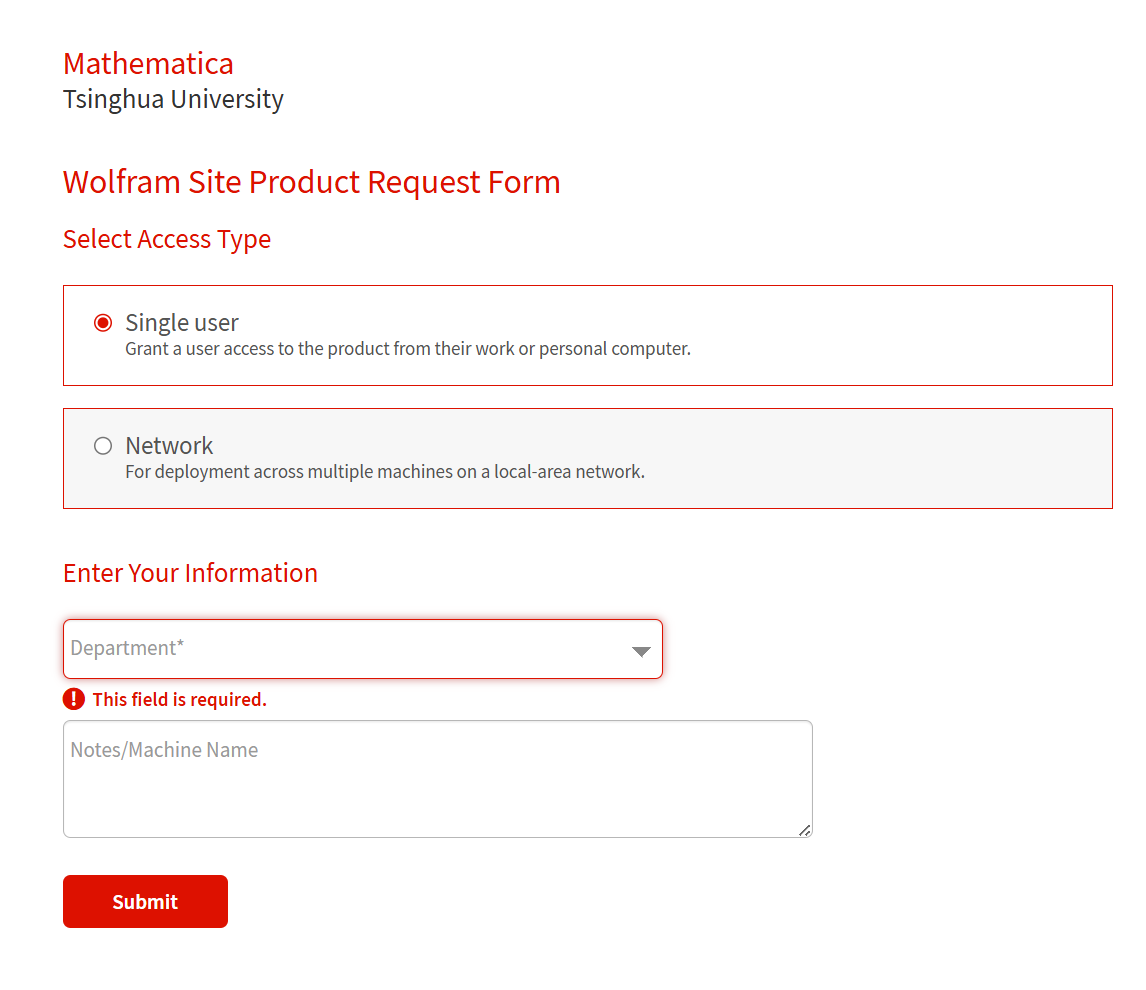
d.Fill in the information and submit.
e.Get access.
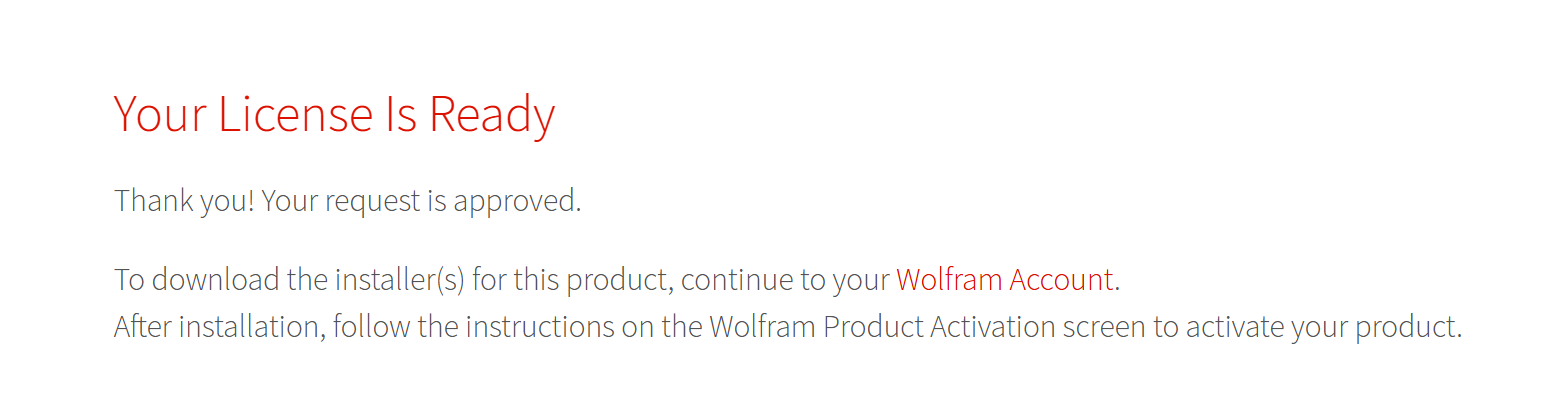
2.Download and Install the Software
The officially licensed Mathematica software is available for download via the campus network (campus IP addresses only). If you are off-campus, please connect to SSLVPN first. Visit the Information User Service Portal (its.tsinghua.edu.cn), click "Software," log in with your username and password (same as the information portal), and locate "Mathematica" in the "Calculation" software category to download.
3.Activate Your Software
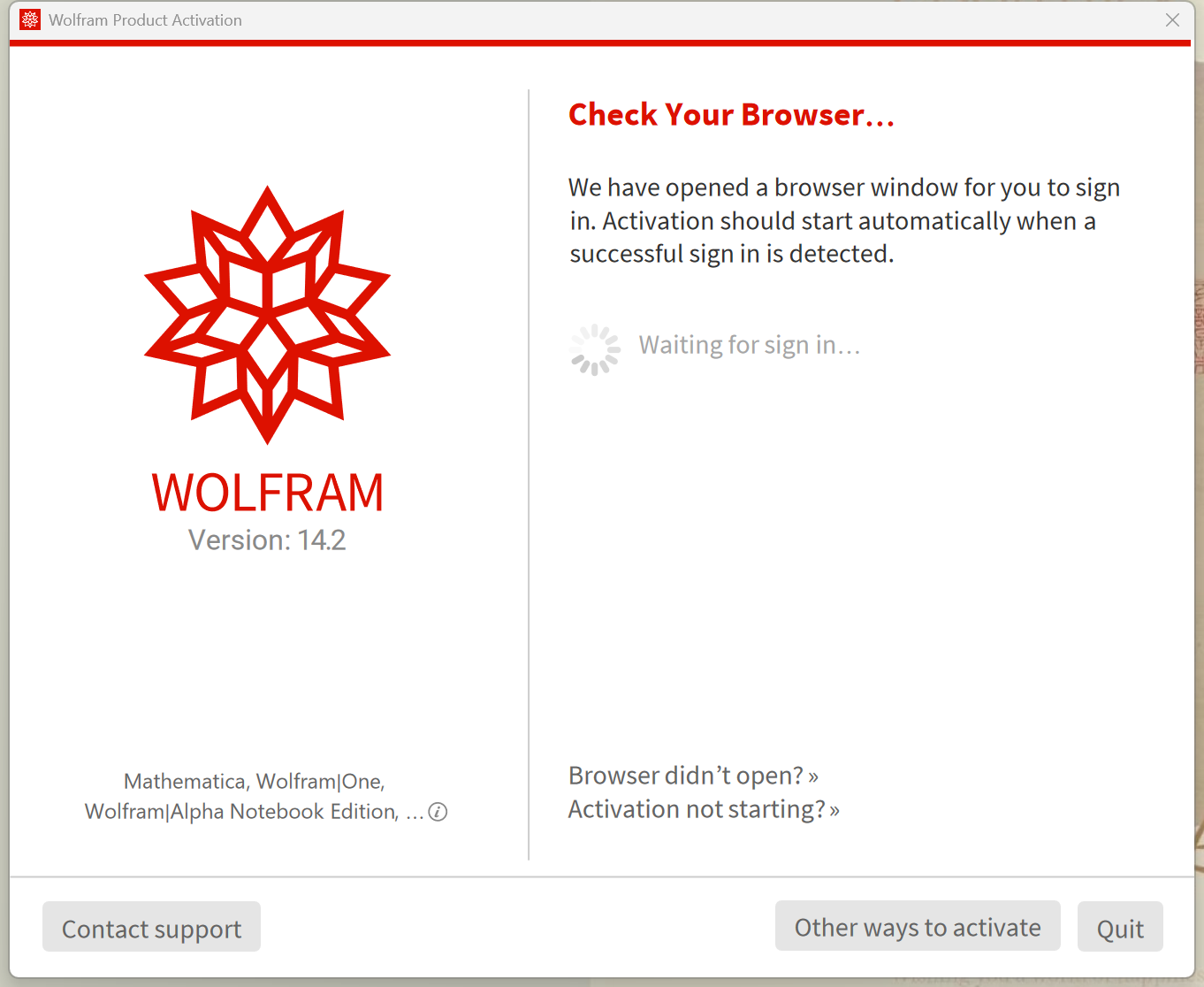
a.Open the software. In the activation window, click "Continue."
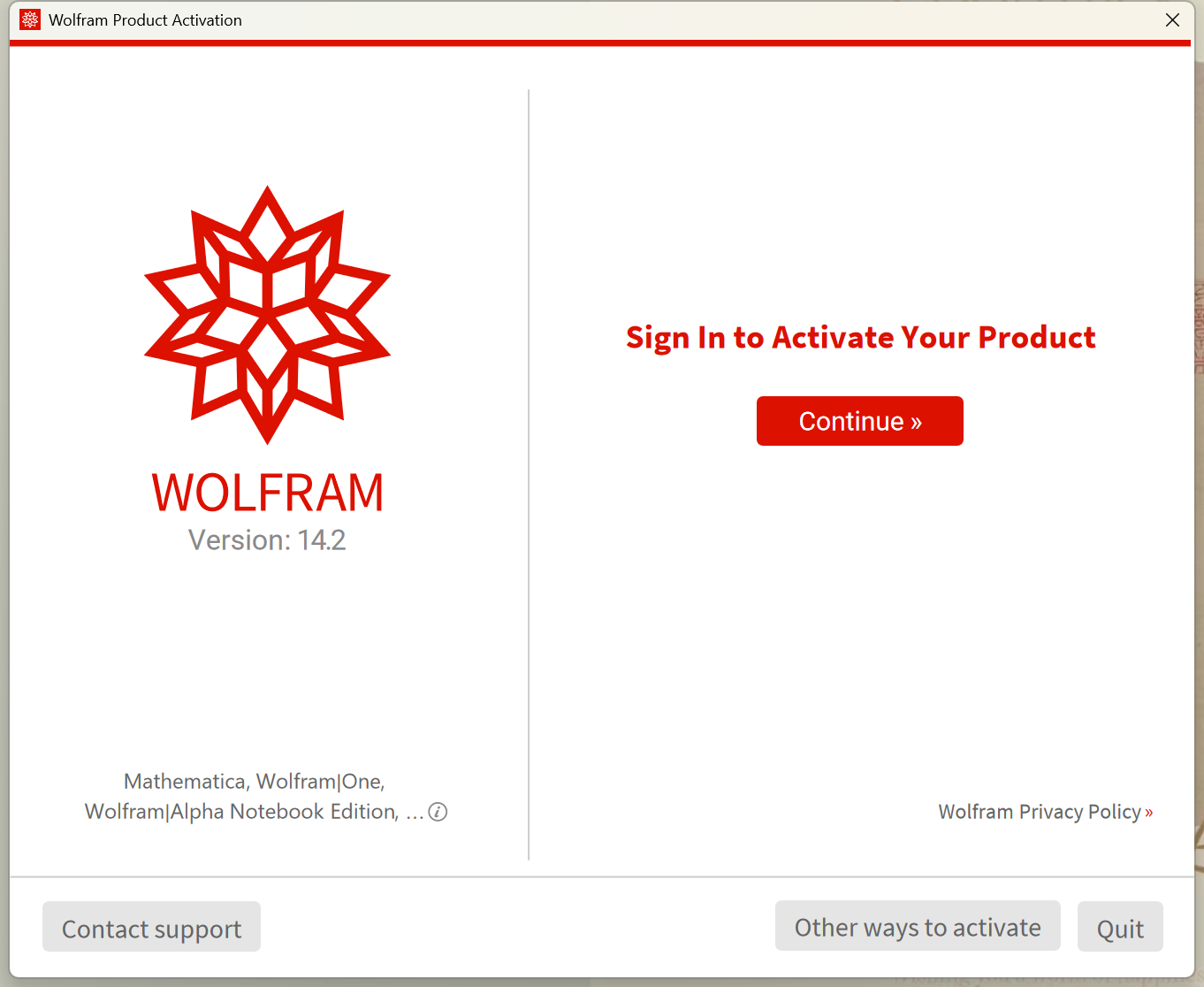
b.The software will open a browser window.
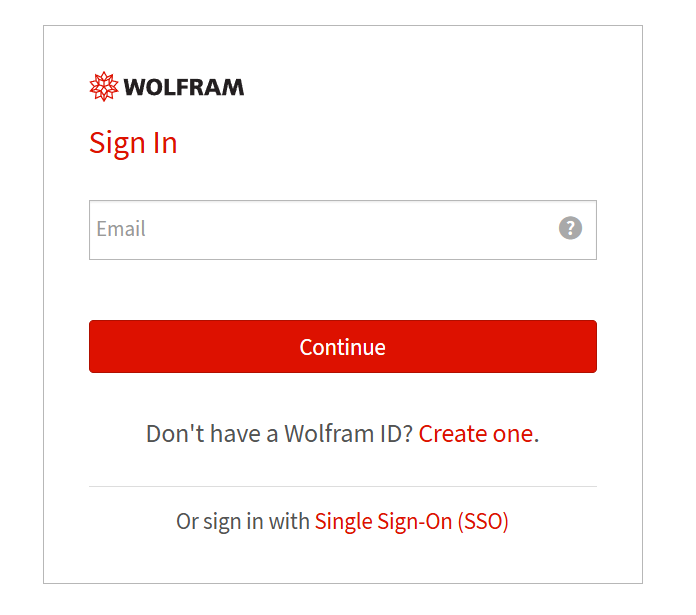
c. Enter your registered email address on the browser, then click “Continue.”
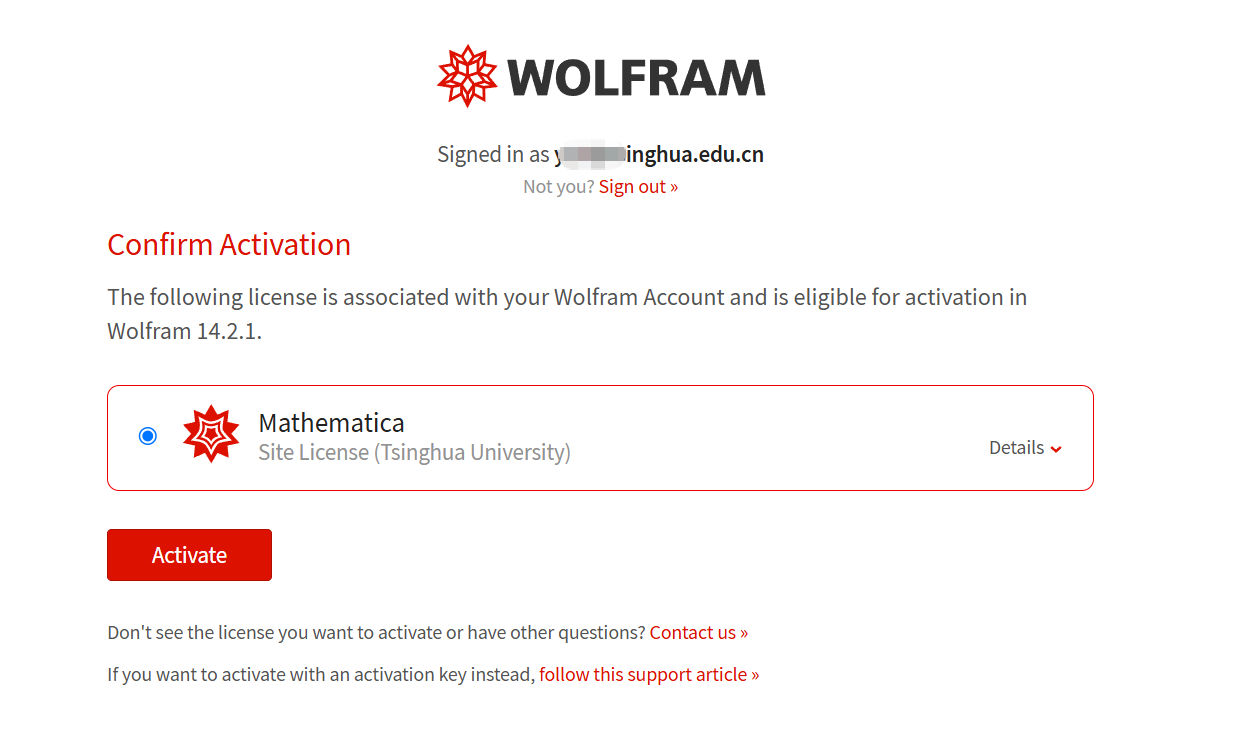
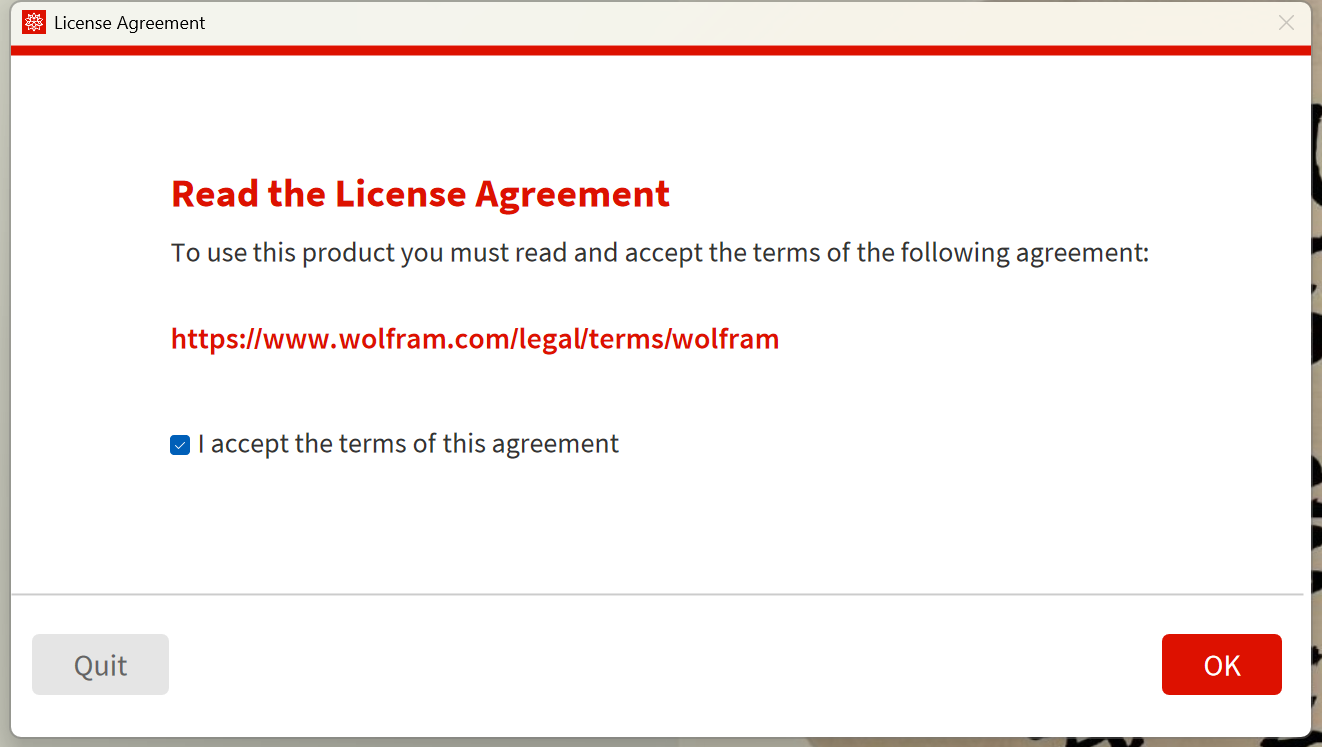
d. Click “Activate” to complete the process.
Technical Support:
If you encounter installation problems or have other questions, you can get help through the following channels:
Information Technology Center:
Service Hotline: 62784859 Service Email: its@tsinghua.edu.cn
Wolfram:
Service Email: info@wolfram.com
Send Message: https://www.wolfram.com/support/contact/index.php.en?topic=installation